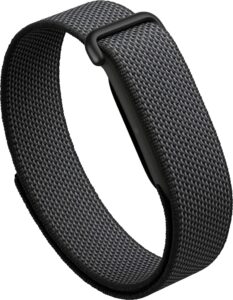
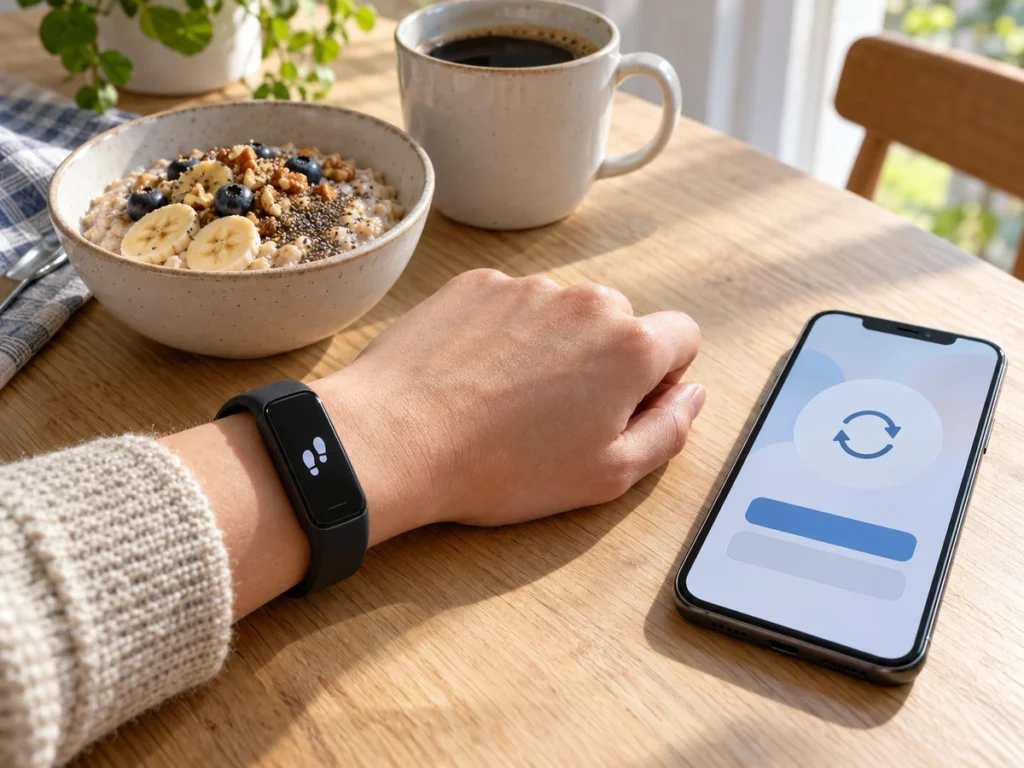
Google has published a Fitbit Edge battery-replacement manual, but we could not find an Edge battery in the iFixit Fitbit battery listings checked on November 4. The help page directs out-of-warranty owners there for the part. Check that the correct replacement module and screws are available before opening your tracker.
What Google's manual asks of you
Google's manual, version 1.0 from October 2026, covers only the battery. Google's help page says battery replacement only covers the Edge for now, which leaves out the screenless Fitbit Air.
Before you start, the manual asks you to run the battery all the way down. It also wants a clean, ventilated workspace with nothing nearby that can burn. You'll need a 2IP Torx driver for the back and a 1IP for the battery. Each has four screws. Static-safe tweezers and gloves or finger cots handle the small parts. Google's safety list adds glasses, protective gloves and a bucket of sand in case the cell vents.
Every one of those screws is single-use, and so is the battery. The manual says to fit new ones whenever they come out, so your order is a battery module plus fresh screws of both kinds.
Once the bands and the back screws are off, you press the band release buttons up to open a gap and lift the back away. It stays tied to the main board by a thin ribbon cable, which the manual tells you not to unplug. The old battery lifts out with tweezers and unclips from a small connector, and the new one clips onto the same spot.
Google recommends self-repair only for adults with the technical expertise to repair electronics safely. The back remains connected while you work, and forcing it can cause damage. We would use an experienced repairer rather than attempt this as a first battery repair.
The part isn't listed yet
Google’s help page directs out-of-warranty owners to iFixit. On November 4, the linked Fitbit battery category showed parts for older models and no Edge battery. That is a check of the linked listings, not proof that no stock exists anywhere.
Even once it's listed, the battery won't ship everywhere. Google's page says batteries can't currently be sent to Puerto Rico, India, Japan, Malaysia or Singapore.
We'd wait for that listing rather than buy a loose cell from a marketplace seller. Google's part is a module with its own connector. The last page of the manual shows dents, bulges and leaks that it calls potentially dangerous.
If an Edge battery ever swells, leaks or gets hot, don't open the tracker at all. Google's page says to contact Fitbit support instead.
Water resistance after you open it
Google rates the Edge to 5 ATM and IP68, and its fine print says those ratings apply when each tracker leaves the factory. An O-ring seals the back, and the manual warns it may fall out when the case opens. Three pages then show how to press it back into its groove, corner by corner.
Those ratings say nothing about an Edge that an owner has resealed. We wouldn't swim or shower with one we'd opened ourselves. The seal would depend on how well the O-ring was refitted.
Until iFixit lists the part
Google rates the Edge for up to seven days per charge, or up to two with the always-on display enabled. Its help page says a Fitbit may need more frequent charging after several hundred charge cycles. Those figures do not establish a service life in years, because use, charging patterns and aging vary.
Turning off the always-on display can reduce charging frequency. The Edge also powers down into a protective state at 4 to 5%, according to Google, so that behavior alone does not establish a battery fault.
We found no release date or price for an Edge replacement battery in the Google help page and iFixit category checked. Recheck those listings before planning the repair.