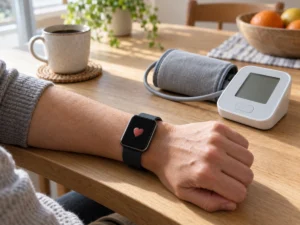
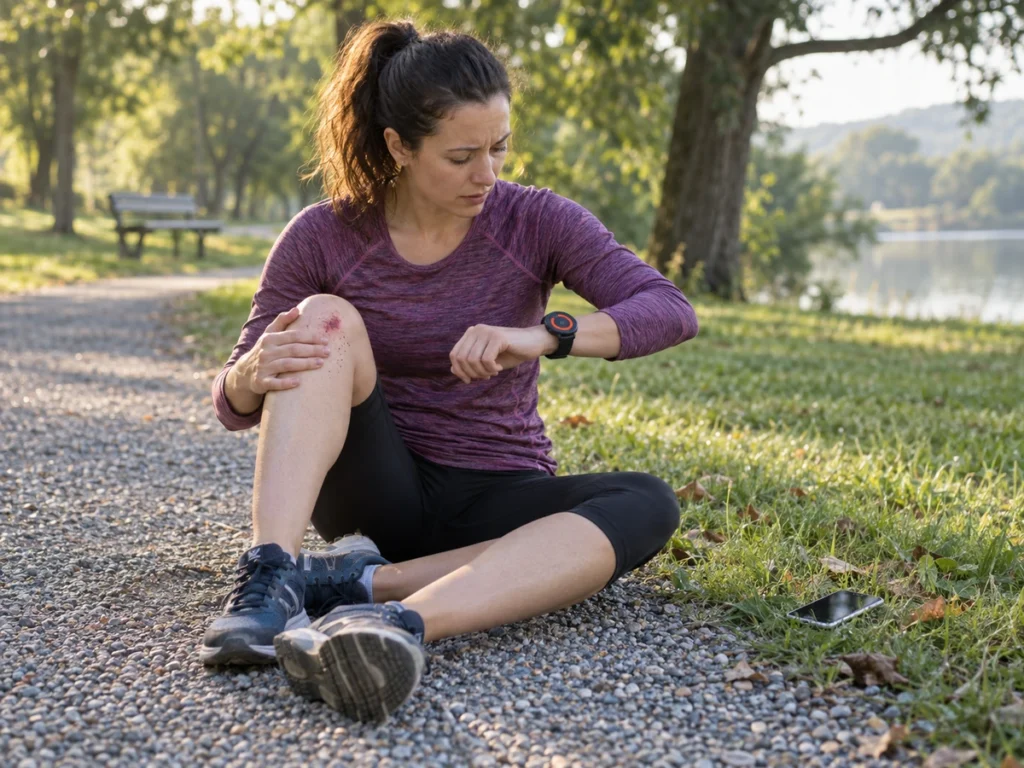
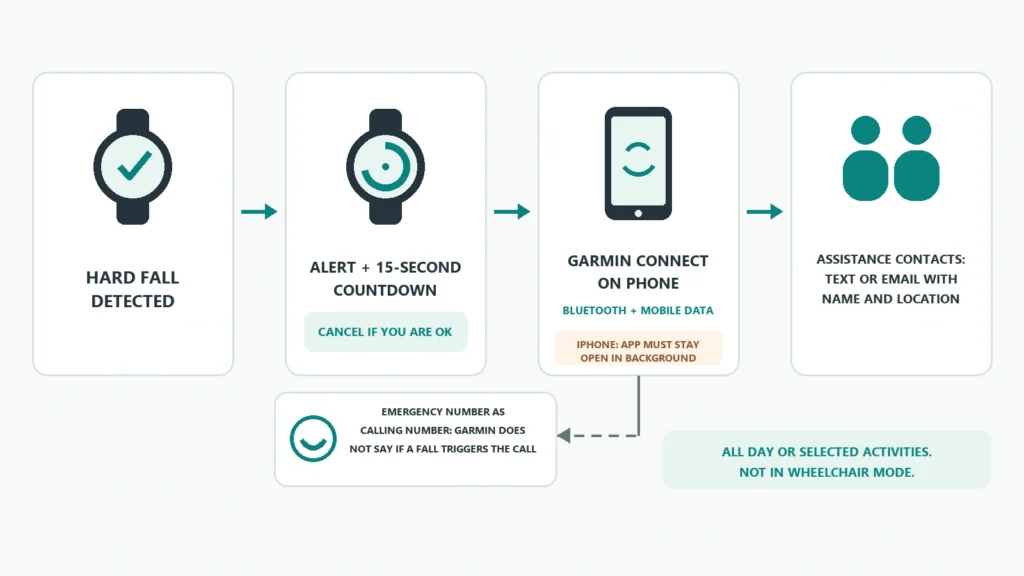
The first thing a Venu 4 owner will want to know about Garmin’s new fall detection is who it contacts. Garmin announced the feature on 22 September 2026, in a free software update that is rolling out now. The answer in the Venu 4 manual is your own assistance contacts. After a hard fall, the watch sounds an alert and shows a 15-second countdown, and if you do not cancel it, the Garmin Connect app sends your name and location by text or email to the people you chose. Garmin’s support pages state that neither the watch nor the app contacts emergency services on your behalf, yet a footnote on one of them says a Venu watch can. Venu 4 fall detection is also the only fall detection in Garmin’s line-up, according to the same page.
How it works on the watch
You switch it on from the watch face: swipe left, then Settings, Safety & Tracking, Fall Detection, Status. There are two ways to run it. All Day monitors you around the clock. The other option limits detection to the activities you pick, such as a run or a ride. The manual warns that the all-day setting shortens battery life, without saying by how much.
When the watch detects a fall, the alert appears on both the watch and the phone. You have 15 seconds to cancel before the message goes out. The fall is then logged as an event in Garmin Connect.
None of this works until your contacts agree to it. You add assistance contacts in Garmin Connect, each one receives an invitation, and anyone who declines has to be replaced. They need to be able to receive texts or emails.
What it needs from your phone
The watch does not send the message itself. Garmin’s requirements list two routes: an LTE plan on models that support one, or a Bluetooth link to Garmin Connect on a phone with an active mobile data connection. For most Venu 4 owners, that means the phone has to be within Bluetooth range and have signal.
The less obvious conditions sit further down Garmin’s support page:
- On an iPhone, Garmin Connect must keep running in the background and cannot be force-closed. Swiping it away in the app switcher is enough to break the chain.
- The watch has to be on your wrist.
- Detection does not run inside third-party Connect IQ apps.
- The manual adds that fall detection is unavailable while the watch is in wheelchair mode.
The iPhone rule matters most, because closing background apps is a habit for many people.
The 911 question
Garmin’s support page opens with a caution: “Neither your Garmin device nor the Garmin Connect app contacts emergency services on your behalf.” The Venu 4 manual repeats it in the fall detection section. A numbered footnote on the same support page then says the opposite for some watches: “Venu watches that feature voice functionality can dial emergency services on your behalf if an incident is detected and you have set an emergency service number as your emergency calling number.”
The Venu 4 has a speaker and microphone for calls through a paired phone, so it appears to qualify. Its manual also confirms that one number, either an assistance contact or an emergency number such as 911, can be set as your assistance calling number. What the manual does not do is say that a detected fall places that call. Its fall detection section describes only the text or email.
So the setting exists, and Garmin has not said plainly what it does after a fall. If you want the best chance of reaching emergency services, set your local emergency number as the calling number in Garmin Connect, and keep at least one contact who will respond quickly. Garmin support can confirm how your watch behaves.
How Apple handles the same moment
Apple documents a different sequence. An Apple Watch that detects a hard fall and then senses you have not moved for about a minute starts a 30-second countdown, then calls emergency services and messages your emergency contacts with your location. Garmin’s design starts with people you know. Our look at Apple Watch Series 12 hypertension alerts shows how much these health features can also vary by country, which is worth checking before relying on either watch abroad.
The rest of the update
The same release brings “Okay, Garmin” voice control, quick running workouts, new Garmin Run Coach plans with run and walk sessions, and an Indoor XC Ski profile. It reaches the fēnix 8 series, Forerunner 570 and 970, vívoactive 6 and Venu 4, but only the Venu 4 gets fall detection. You install it by syncing with Garmin Connect with automatic updates on, or through Garmin Express on a computer.
Who should turn it on
Switch it on all day if you walk, run or ride alone, and accept the battery cost. For someone who lives alone and whose main risk is a fall at home, the Venu 4 depends on a nearby phone with data and on contacts who answer. A watch that is documented to call emergency services by itself is the safer fit there.