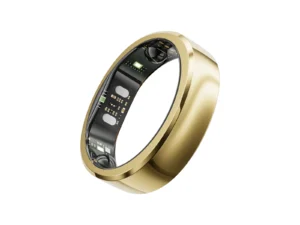
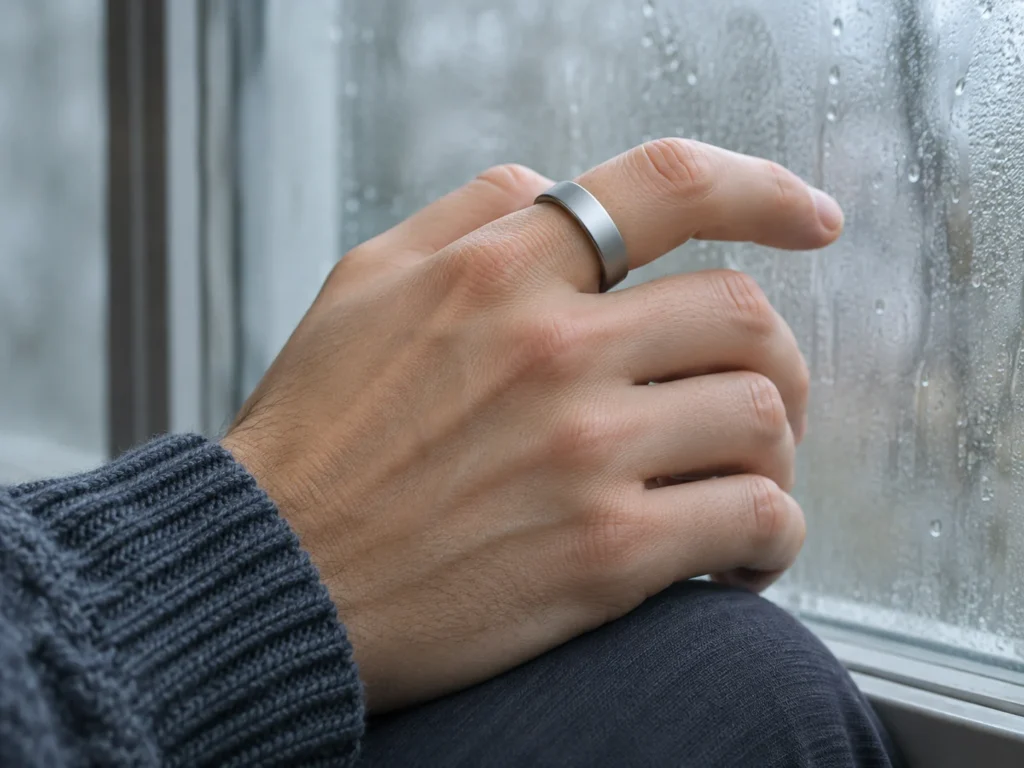
Check a loose smart ring after your hands have warmed up indoors. Cold hands can make a ring turn more easily. If it still spins freely or slides off when you relax your fingers, check the fit again before ordering a smaller size.
Check the fit with warm hands
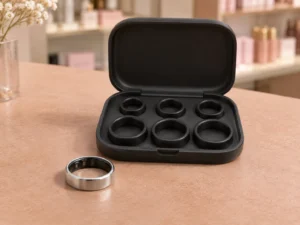
Oura recommends warming your hands for a few minutes before trying a sizer. A ring that fits your coldest finger may feel tight when your hand warms up.
Look for a snug fit at the base of the finger, with enough room to take the ring off. If your model has sensor bumps, check that they stay against your skin. A ring that spins freely when you move your hand deserves another fit check.
Try another finger before exchanging it
Oura lets you switch fingers when your fit changes. Try a finger where the ring sits securely, following your model’s instructions on finger choice and sensor position. This can save an exchange when the original finger still fits in warmer conditions.
RingConn’s fit guide says a tighter ring doesn’t automatically improve a reading. With a loose fit, poor sensor contact can affect the signal. A single unusual reading after a walk doesn’t tell you which size to buy.
Use the kit for your exact model
Wear the sizer through a full day and night before choosing. Check how it fits at bedtime and after coming inside. Use the kit for the ring you plan to buy. The RingConn Gen 3 uses sizing that differs from earlier RingConn models.
Take the ring off if it causes pain, numbness, discoloration or significant swelling. If it repeatedly comes loose with warm hands, use the seller’s exchange process and size the replacement over a full day.