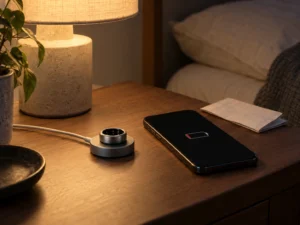
If your Oura Ring isn’t charging, lift it off the dock first. The empty dock’s light helps you tell a power problem from a ring connection problem. Use the dock made for your ring’s size and generation. A dock and a portable charging case have different indicator lights.
Test an empty Ring 4 or Ring 5 dock
Plug the empty dock into power. A white light that comes on and fades means the dock passed Oura’s first check. If it stays dark, rotate each end of the cable 180 degrees, then try a different power source and a different USB-C cable. Test one change at a time.
If the empty dock blinks yellow or red, Oura recommends trying another power source. If the light persists, contact Oura and tell support which cable and power source you tried.
Put the ring back on
Use the dock that matches your ring. If the white light fades and the app still won’t connect, leave the ring on the dock for two minutes and try again. A blinking blue light on Gen3 or later means the ring is ready for Bluetooth pairing. A blinking red light with a Ring 4 or Ring 5 on its dock calls for support.
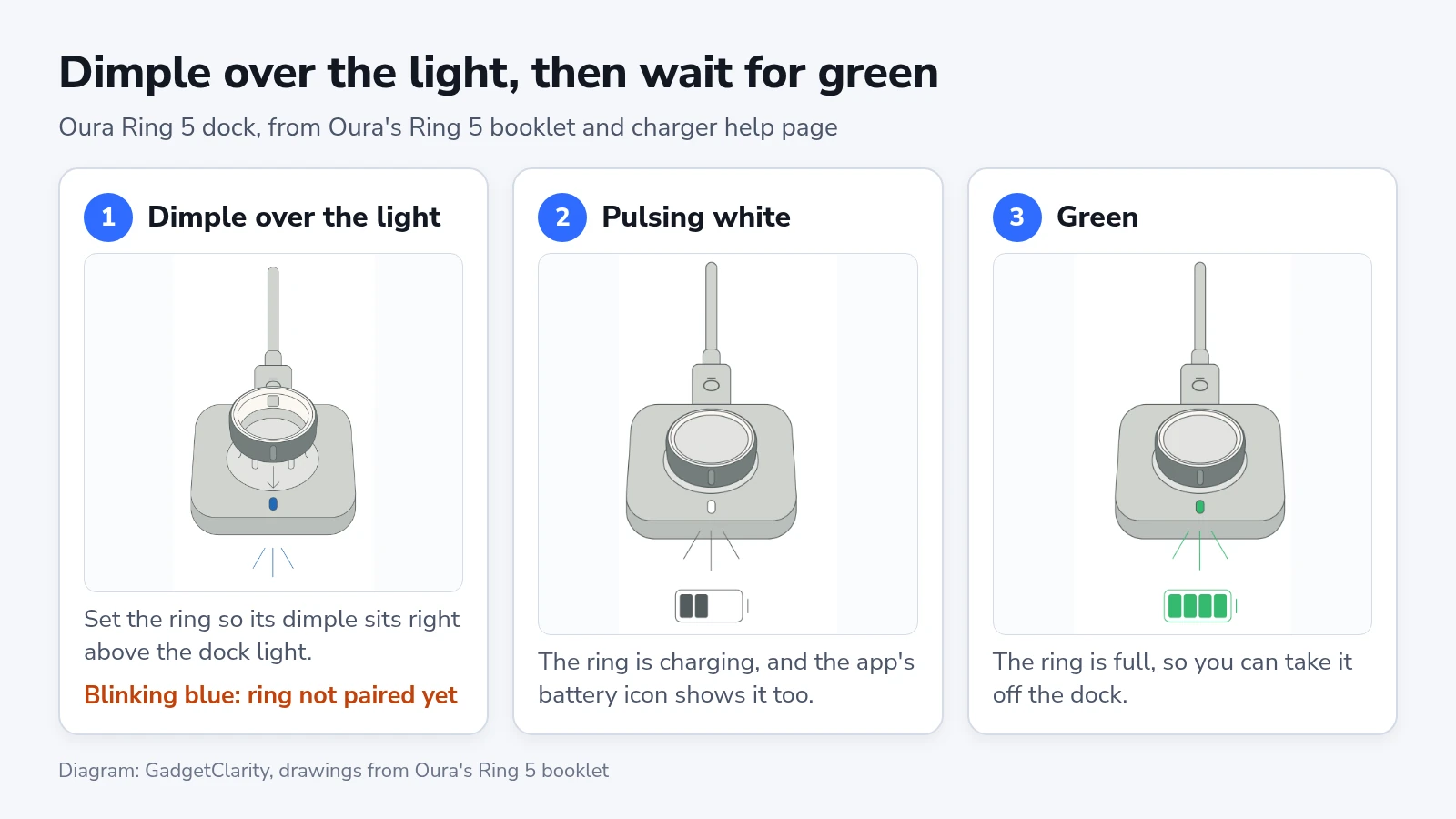
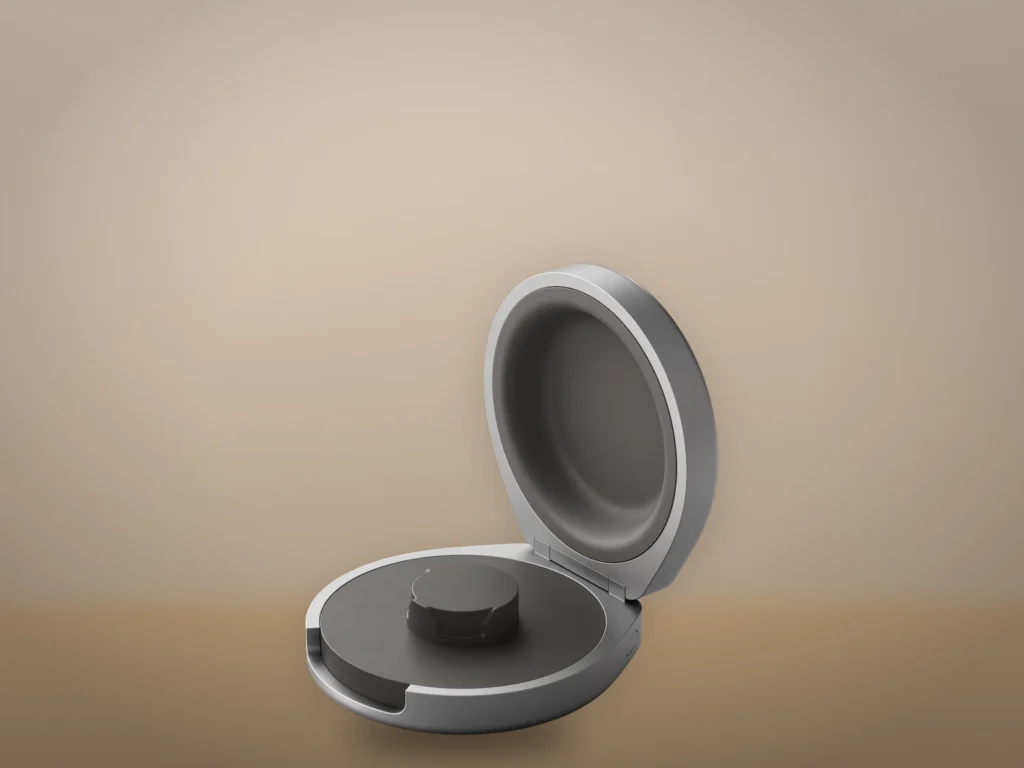
When you use a charging case
The light on a portable case can refer to the case battery or the ring, depending on whether the ring is inside. Don’t use the empty-dock test to diagnose a case. Start by identifying which accessory you have.
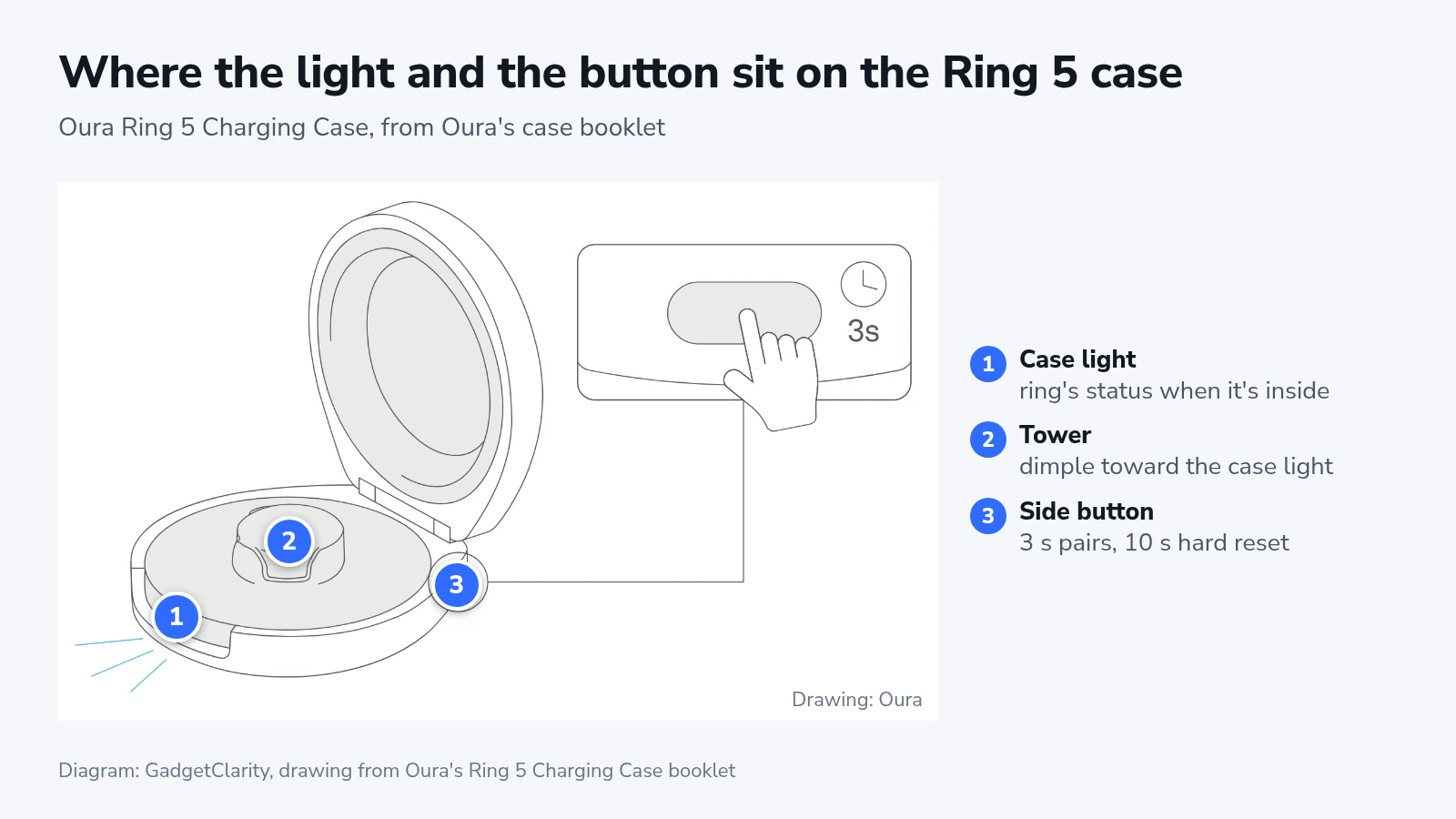
If the ring reaches full charge but drains unusually quickly, charging has succeeded. Record how long the charge lasted and check the separate Ring 4 battery guidance if that is your model.