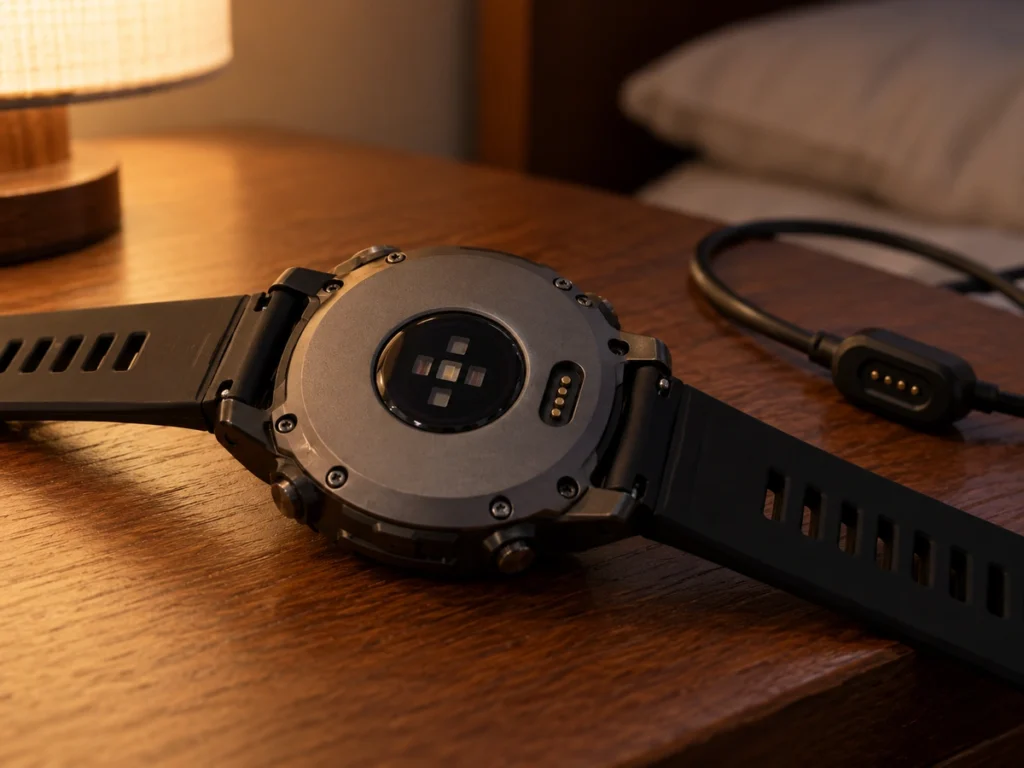
You install a watch update, and the next morning there’s no sleep score and the green lights on the back of the watch stay dark. Since Garmin started rolling out software 23.39 for the Fenix 8 in late September, owners on its forum have described that fault. For some of them it first appeared on the earlier 23.31. The step they report most often is a forced shutdown that leaves the watch off for more than 90 seconds. For several of them, that brought the Fenix 8 heart rate sensor back.
What goes missing
The optical sensor on the back of the watch uses green lights for heart rate and red ones for Pulse Ox. In the two forum threads about the fault, owners say both sets stay dark after the update. One owner of a 51 mm AMOLED Fenix 8 writes that stress and other health data disappeared with them. Another says heart rate no longer shows during activities, and a third lost sleep tracking.
Getting the sensor back, in order
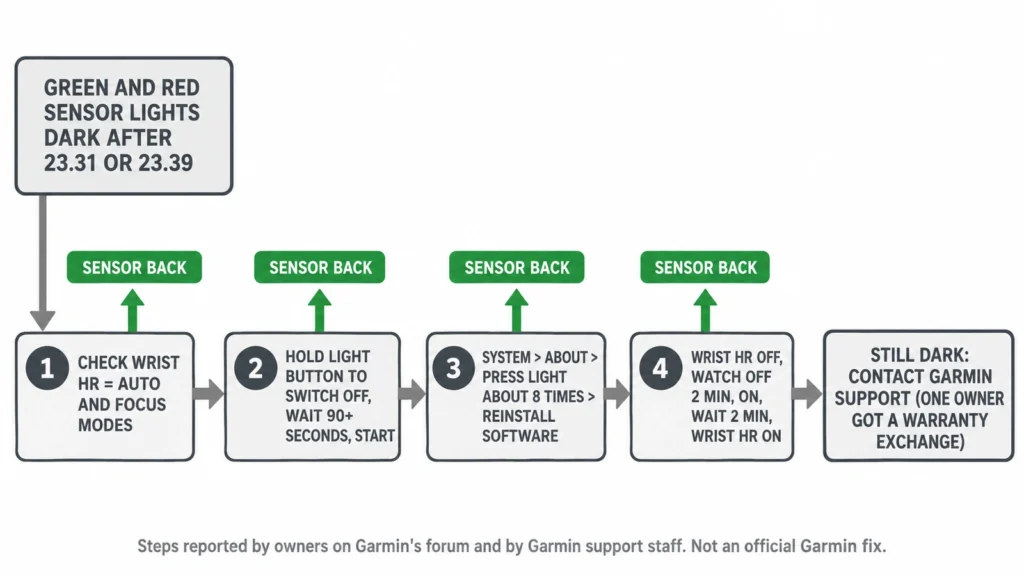
Garmin’s support staff answered the first thread around October 1 with general steps, and owners added the ones that worked for them. Try them in this order, from the quickest:
- Hold the menu button, go to Watch Settings, then Health and Wellness, then Wrist HR, and check that it’s set to Auto. Garmin also asks whether a Focus mode has heart rate turned off.
- Hold the light button until the watch switches off, leave it off for more than 90 seconds, then start it again. Two owners in the first thread got the sensor back this way after ordinary restarts had failed.
- Reinstall the software: hold the menu button, go to Watch Settings, System, About, press the light button about eight times, and choose Reinstall software. One owner says this alone fixed it. Another needed the long shutdown as well.
- Turn Wrist HR off, switch the watch off for two minutes, switch it on, wait two more minutes, and turn Wrist HR back on. The owner who posted this sequence says the sensor had worked for the following 24 hours.
One owner reports that none of the steps worked. Another says Garmin support started a warranty exchange. Support also told them other customers had the same problem and that they could wait for a fix instead.
What a few dark nights do to your scores
According to the Fenix 8 manual, Training Readiness uses last night’s sleep score, recovery time, HRV status and acute load. It also uses sleep history over the last three nights and stress history over the last three days. Most of those draw on the wrist sensor. After the lights come back, the three-night and three-day inputs still include the dark period until it ages out. So for the next few days, a low or missing readiness score says more about the gap than about your recovery.
HRV status recovers more slowly. The manual says the watch needs three weeks of consistent sleep data to show it. The status compares a seven-day average with your baseline. Garmin doesn’t say how it counts nights without data, so give the status a full week of normal nights before reading anything into a change.
Software fault or a failed sensor
The pattern in both threads is a sensor that worked before the update, went dark when it installed and came back after a long power-off. That points to software, which is also why the exchange is the last step. If none of the four steps works, contact Garmin support. Describe the dark green and red lights, give the software version and ask whether a software fix is planned. Support told one owner that a fix could come.
On the night of each update, look at the back of the watch before bed. The lights flicker when the sensor is reading. A dark sensor spotted that evening costs you one night of data instead of a week.