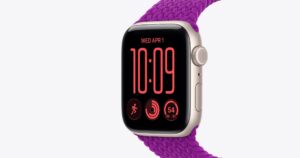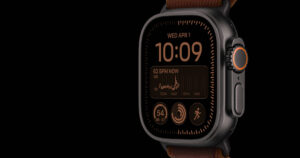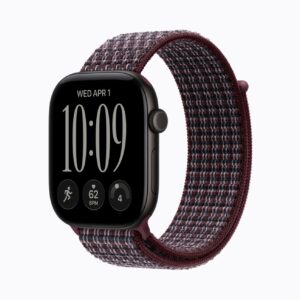
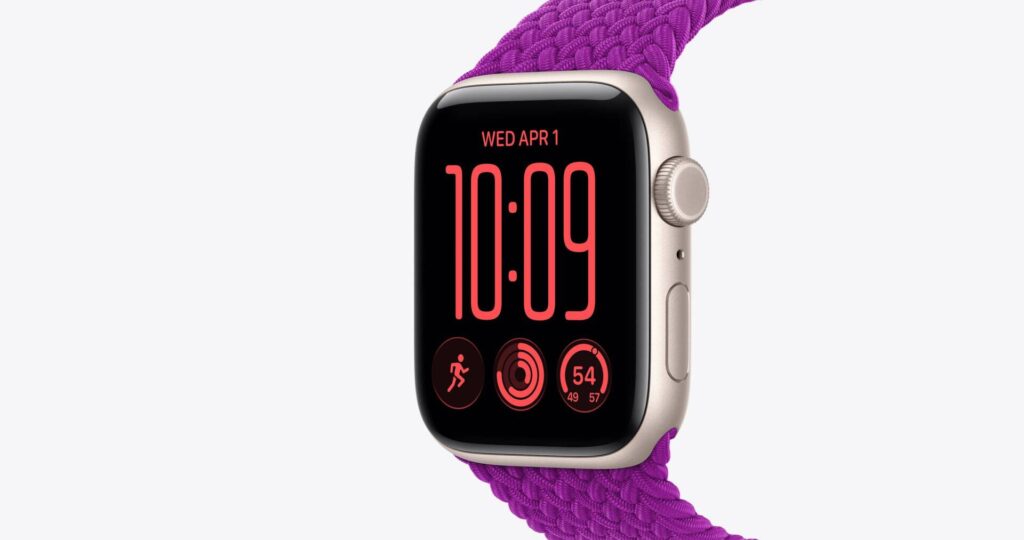
Older Apple Watches received five Bluetooth and pairing fixes in watchOS 26.6.1 on November 9. Apple lists Series 6 through 8, the second-generation SE and the first Ultra for this release. Check for the update offered for your model rather than expecting every watch to receive watchOS 27.2.1.
Which watch gets which update
watchOS 27.2.1 goes to watches on watchOS 27. Apple’s advisory names the Series 9 and later. Its compatibility page also lists the Ultra 2 and later and the Apple Watch SE 3. It carries the same nine fixes as iOS 27.2.1 on the iPhone.
watchOS 26.6.1 is the update for the older models. Its five fixes are these:
- Two Bluetooth flaws that let a rogue device pair with the watch without a tap
- A Bluetooth bug that could corrupt memory, which CISA scores 8.8 out of 10 (High)
- Two flaws that let a nearby device get around the limit on AirPlay pairing-code guesses
The four it leaves out are two iMessage group-chat flaws, an App Intents bug and a fix in brotli, Google’s open-source compression code. Apple doesn’t say whether watchOS 26 had those bugs at all.
The missing entries do not establish immunity
The five fixes listed for watchOS 26.6.1 involve an attacker in Bluetooth range or on the same network. Those access conditions limit the attacks, but they do not make the fixes optional.
The four missing fixes don’t need anyone nearby. One lets a remote attacker join an iMessage group, and another lets a new group member read old messages. A third involves an app reaching private data. The fourth is the brotli flaw, triggered by processing booby-trapped data.
CISA has listed that brotli flaw as known to be exploited since October 27. Its entry names Google’s code, not any Apple watch. Newer watches have a listed fix for it, and older ones don’t.
Updating takes the iPhone first
Apple’s update page wants the iPhone on the latest iOS and on Wi-Fi, the watch at least 50 percent charged, and the two kept close. Then:
- Open the Apple Watch app on your iPhone and tap the My Watch tab.
- Tap General, then Software Update, and download the update.
- Leave the watch on its charger until it restarts on its own.
Apple says the install can take anywhere from several minutes to an hour, so overnight is easier. Tapping Update Tonight on the watch’s notification and confirming on the iPhone does the same job while both charge.
Our take
Install the offered update with the iPhone nearby and the watch on its charger. A shorter advisory alone does not establish that an older watch contains every flaw fixed on a newer branch, or that it is protected from every other flaw.