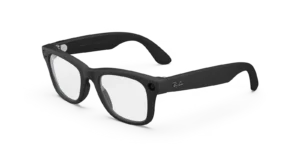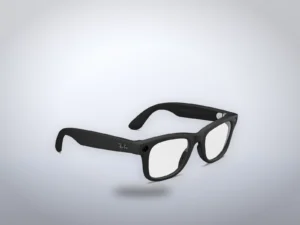
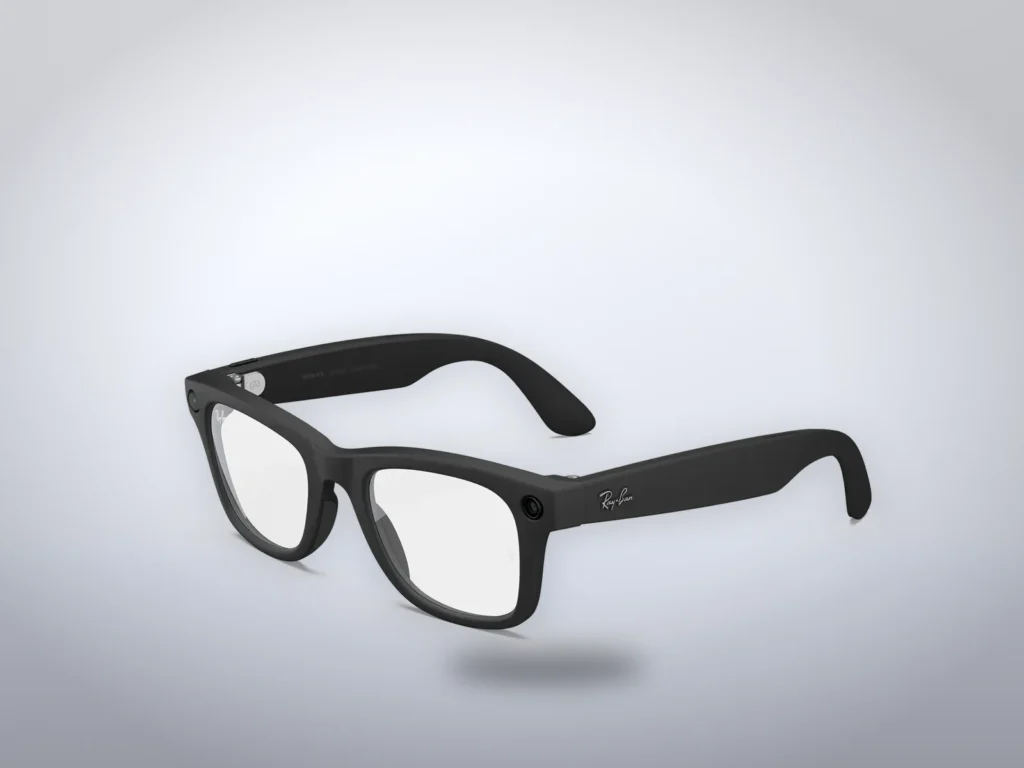
Take Ray-Ban Meta glasses out of the charging case before cleaning. Use a soft cloth lightly dampened with water and mild soap for the lenses, camera lens and nose bridge. Dry the bridge and case contacts before docking the glasses again.
Wipe the glasses and camera lens
- Moisten a corner of a clean, soft cloth with water and a little mild soap. Keep solvents and alcohol away from the lenses and frame.
- Wipe the lenses and camera gently. On Ray-Ban Meta Gen 2 glasses, use the diagram to spot the camera before you wipe it.
- Dry the frame and lenses with a clean part of the cloth. Keep the glasses out of running water.
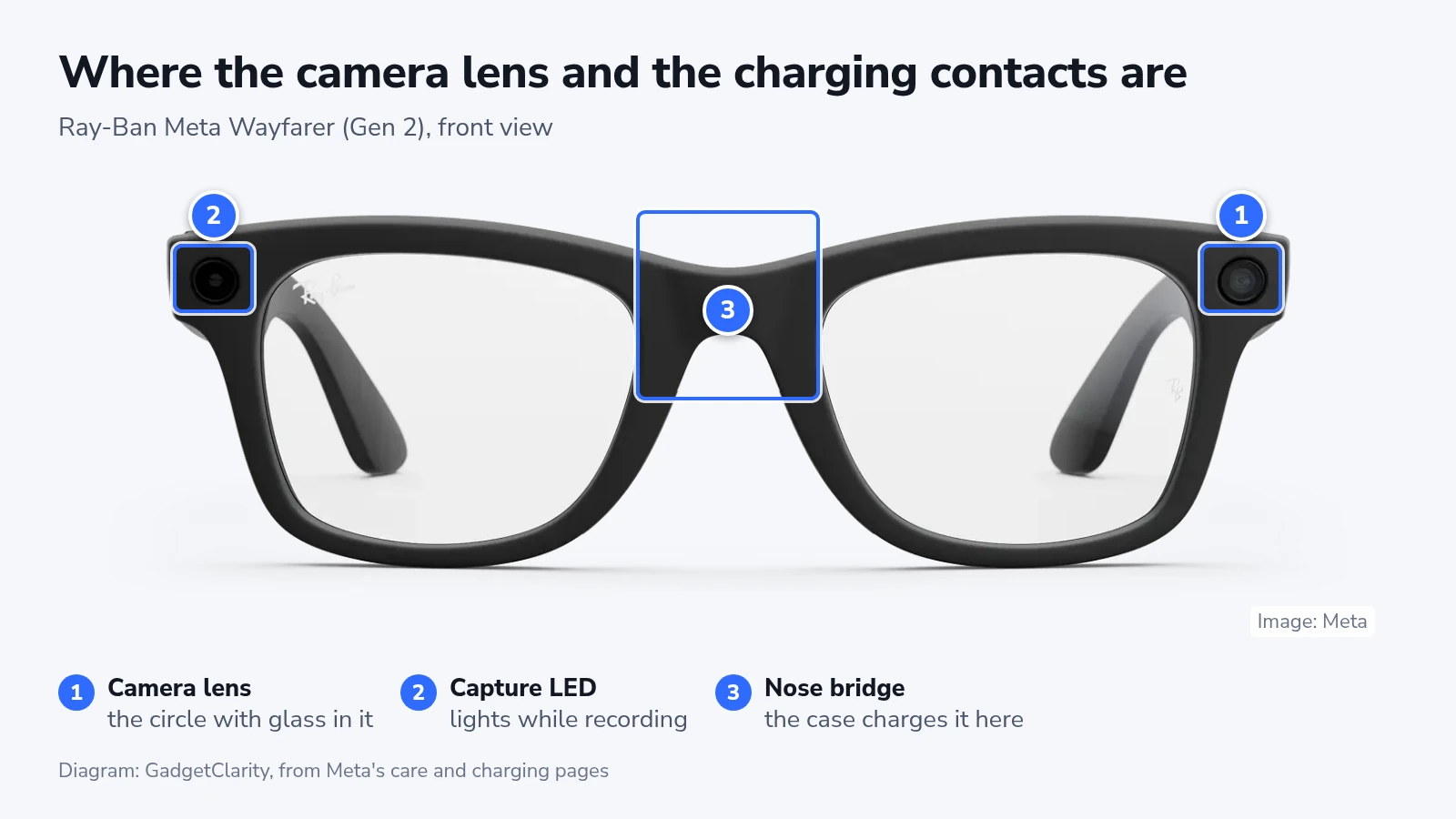
Clean the nose bridge and case contacts
Ray-Ban identifies the nose bridge as the charging connection. Wipe away sweat or dirt on the bridge. Use a dry, soft cloth on the matching contacts in the case and wait until both surfaces are dry before docking.
On a new case, look for the protective tab on the metal contacts. Remove it before you charge for the first time. Once the glasses are docked, the case light can confirm whether charging has started.
Use the instructions for your model
Oakley’s directions for the Meta HSTN also call for mild soap on a damp cloth and a dry pair of glasses before docking. Check Oakley’s Vanguard instructions before you clean that model’s speaker screens. The Meta Adventurer uses the Meta Glasses line’s own case and cleaning instructions, including its lens-cleaner restrictions.
A case light that stays red
Ray-Ban lists liquid, high temperature and an incompatible charger as possible causes of a charging error. Look at the bridge and case contacts first. If they are dry and the case feels warm, let it cool. Try another compatible USB-C cable or power adapter if the case is cool and dry.
If the light stays red after those checks, contact support for your model. Tell them what the light does after you dock the glasses and whether the case charges with a different cable.